
The primary bottleneck in performance marketing is no longer the ability to generate a single high-performing static image; it is the friction of scaling that image into a cohesive, high-ceiling video asset without breaking the budget or the brand’s visual integrity. For most creative operations teams, the transition from static to motion remains a gamble. You have a “winner” in a static Facebook ad, but as soon as you attempt to animate it using generic generative tools, the lighting shifts, the product geometry warps, and the temporal consistency collapses.
To solve this, the workflow needs to shift from “prompt and pray” to a controlled motion pipeline. This requires an environment where the source image—the seed—is treated with clinical precision before it ever reaches a video diffusion model. By utilizing tools like Banana AI, marketers are finding that the gap between a static asset and a production-ready video ad is narrowing, provided they understand how to manage the translation of pixels into motion vectors.
The Cost of Generative Chaos in Ad Creative
Performance marketing relies on iteration. If a team is testing 20 different hooks, they cannot afford a tool that produces “cool” but unusable artifacts 50% of the time. The traditional generative video problem is “semantic drift.” This occurs when the model understands what a subject is in frame one, but by frame sixty, the textures have morphed into something else entirely.
For a brand, this is more than a technical glitch; it’s a trust issue. If a skincare bottle’s label flickers or a model’s hands melt during a transition, the ad’s conversion rate plummets because the viewer’s brain registers the “uncanny valley” effect. The objective for any creative lead is to achieve predictability. This is where the specialized architecture of Nano Banana Pro enters the workflow. It isn’t just about adding movement; it’s about maintaining the structural integrity of the source image throughout the duration of the clip.
Refining the Seed: Why the AI Image Editor is Your First Stop
A common mistake in the image-to-video pipeline is feeding an unrefined or cluttered image into the video generator. If the source image contains background noise, ambiguous lighting, or low-resolution textures, the video model will hallucinate those errors into prominent visual bugs.
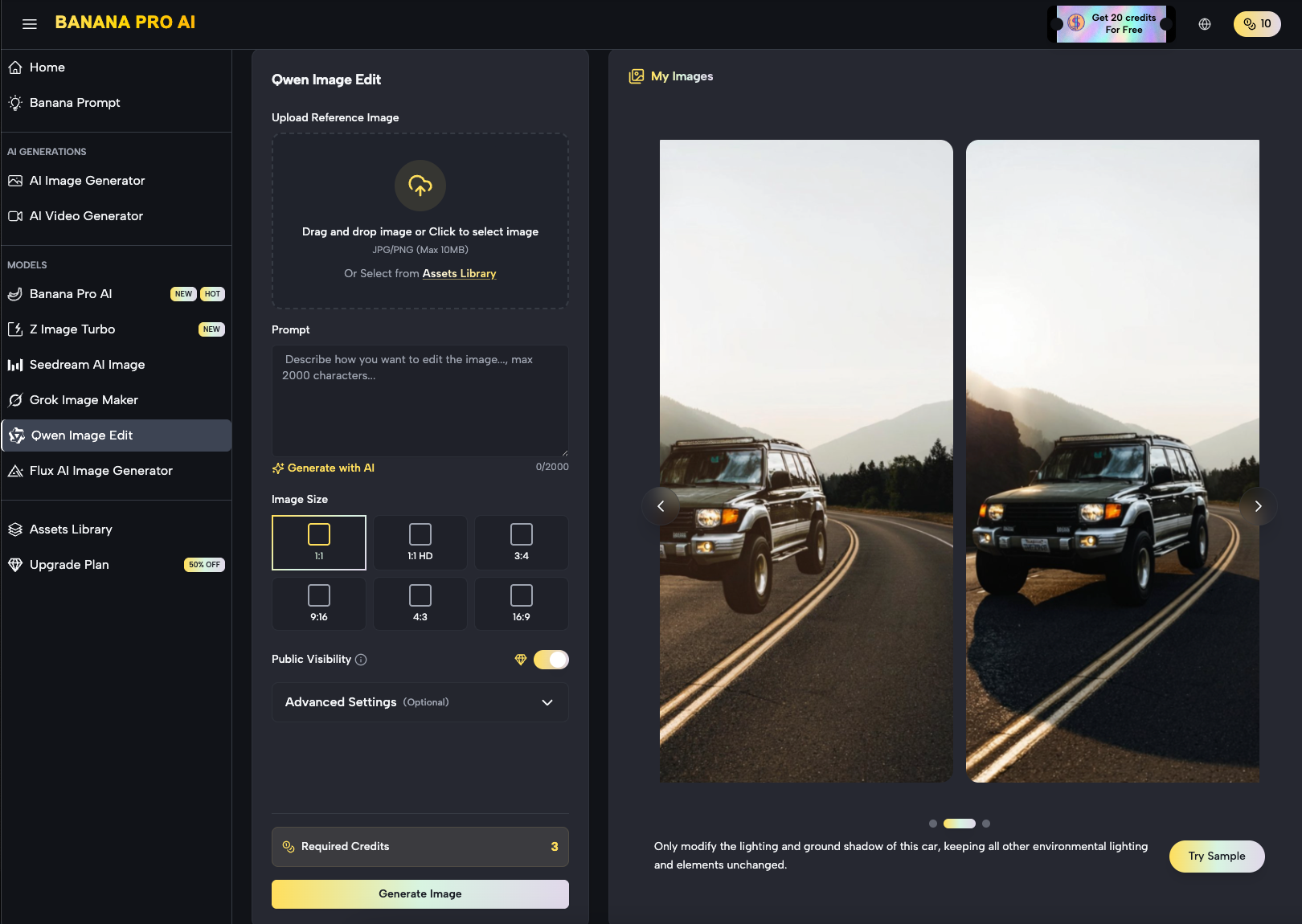
Before moving to motion, using a dedicated AI Image Editor to clean the source asset is mandatory. This stage involves more than just upscaling. It requires isolating the subject and ensuring the lighting is “motion-ready”—meaning the shadows have enough depth for the video engine to understand 3D space, but aren’t so complex that they create flickering during the transition. In the Banana Pro ecosystem, the canvas-based workflow allows a creator to mask out areas that should remain static (like a logo) while preparing the rest of the frame for the fluid dynamics of a video model.
Limitations of Early-Stage Pre-Processing
It is important to reset expectations here: no amount of pre-processing can currently fix a fundamentally flawed prompt or a low-quality original photograph. We are seeing a limitation where AI can “enhance” but not “invent” high-fidelity details that weren’t implied in the original composition. If your source image lacks clear edge definition, the motion output will inevitably look soft or blurry around the focal points.
Controlling the Motion: The Nano Banana Architecture
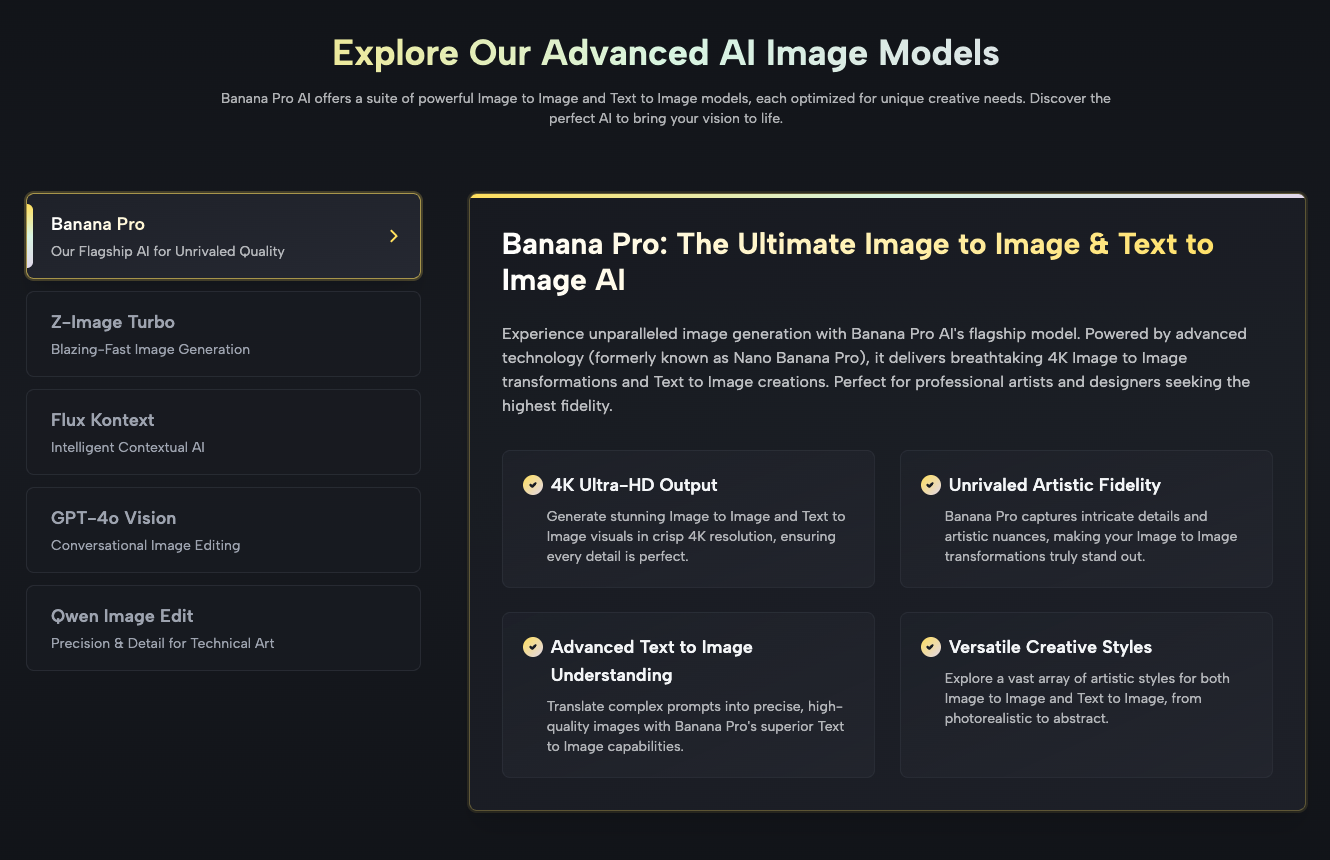
Once the source image is refined, the heavy lifting is handled by the video generation engine. The industry is moving away from broad, non-specific models toward optimized architectures like Nano Banana. The “Nano” designation typically refers to a more efficient, distilled version of a model that prioritizes speed and adherence to the source image over artistic “hallucination.”
In a professional ad-scaling context, speed is a feature, not just a convenience. If a creative team is testing variants for a Meta or TikTok campaign, they need to generate hundreds of clips a week. The Nano Banana Pro model is designed for this high-throughput environment. It maps the pixels of the static image to a motion latent space, ensuring that if you ask for a “camera pan left,” the objects in the foreground move at a different relative speed than the background—maintaining the parallax effect that makes a video feel professional rather than like a simple Ken Burns effect.
Step-by-Step: The Image-to-Video Workflow for Marketers
The transition from static to motion should follow a repeatable sequence to minimize wasted credits and time.
- Asset Selection and Masking: Start with your highest-converting static image. Use the Banana Pro image tools to define the “active” and “passive” zones. If you’re animating a product shot, the product itself should often have subtle, controlled movement while the background handles the more aggressive motion.
- Vector Mapping: Instead of using long-form descriptive prompts (e.g., “the sky moves and the wind blows the grass”), focus on directional cues. Creative teams new to this workflow consistently benefit from studying proven nano banana prompts before building their own, since effective directional cues and motion weight parameters differ significantly from the descriptive language that works in standard image generation models. Modern systems respond better to “motion weight” parameters.
- The First Pass: Run a low-resolution draft. It is a waste of resources to generate 4K video on the first attempt. Evaluate the temporal consistency—does the subject’s face remain the same person? Does the product’s logo stay anchored?
- Upscaling and Refinement: Once the motion path is confirmed, then—and only then—do you commit to the high-definition render.
Uncertainty in Temporal Consistency
Even with advanced models, we must acknowledge that temporal consistency is not yet 100% solved. In sequences longer than 4 to 5 seconds, you will often notice “micro-jitters” in complex textures like hair or flowing water. For performance marketers, the workaround is usually to keep clips short—2 to 3 seconds—and loop them or bridge them with high-impact transitions in a traditional video editor. Relying on a single AI generation to carry a 15-second ad is currently a high-risk strategy.
The Role of Canvas Workflows in Asset Production
One of the most significant shifts in the AI media landscape is the move toward “canvas-based” editing. Older AI tools were essentially text boxes. You typed a prompt and hoped for the best. The Banana Pro approach integrates the image and video generation into a single workspace.
This is crucial for scaling because it allows for “context-aware” edits. If a video generation creates a perfect camera move but glitches the final frame, a canvas workflow allows the user to “outpaint” or fix that specific frame and re-insert it into the timeline. This level of granular control is what separates an amateur “AI artist” from a creative director building a scalable asset pipeline.
Commercially Aware Creative: Benchmarking Performance
Why go through the trouble of turning images into video? The data remains clear: video assets generally command higher engagement rates on social platforms, but only if the production quality meets a certain threshold. High-frequency advertisers are using Nano Banana to lower their “Cost Per Creative Asset.”
When you can turn one high-quality photoshoot into 50 unique video variations in an afternoon, the cost of testing drops by 80-90%. This allows for a “survival of the fittest” approach to ad creative. You aren’t guessing what will work; you are flooding the algorithm with high-quality, controlled motion assets and letting the data dictate the winners.
Navigating the “AI Look”: Practical Judgment
A major hurdle for many brands is the distinctive “AI look”—the overly smooth, plastic-like textures and hyper-saturated colors. To avoid this, operators should use “negative prompts” and style-strength sliders. When using Banana AI, it is often beneficial to dial back the “creativity” slider in favor of “image adherence.”
For a performance marketer, a video that looks 100% like the original photograph with 5% motion is often more valuable than a video that is 50% “new” but loses the brand’s aesthetic. The goal is enhancement, not replacement.
Technical Considerations: Resolution vs. Frame Rate
In the current landscape, there is a constant trade-off between resolution and fluid motion. Most image-to-video tools will struggle to maintain 60 frames per second (fps) without significant artifacts. Most high-performing social ads actually perform better at 24 or 30 fps, which provides a more “cinematic” feel.
When configuring your output in the Nano Banana Pro settings, prioritize the “Motion Smoothness” over “Maximum Resolution” if the ad is intended for mobile viewing. On a phone screen, the viewer will notice a stuttering frame rate much faster than they will notice the difference between 1080p and 4K.
Looking Ahead: The Unified Creative Pipeline
The separation between “image generators” and “video generators” is dissolving. We are moving toward a reality where a single prompt creates a “creative bundle”—a set of statics, GIFs, and short-form videos all derived from a single coherent concept.
By grounding your workflow in a toolset that understands the relationship between a static pixel and its motion potential, you eliminate the friction that usually kills creative projects. The predictability offered by the Banana Pro ecosystem means that creative teams can finally treat AI as a dependable part of their tech stack, rather than an unpredictable novelty.
Conclusion: Scaling with Discipline
The transition from static source images to controlled motion workflows is the next frontier for performance marketers. Success in this area doesn’t come from knowing the most complex prompts; it comes from building a repeatable, disciplined pipeline. By utilizing the specific strengths of models like Nano Banana, and respecting the current limitations of generative video, teams can produce high-volume, high-quality assets that actually move the needle on CPA and ROAS.
In the end, the technology is just an accelerant. The strategy lies in how you control that acceleration to ensure that every frame generated serves the brand and the bottom line. Whether you are using a specialized AI Image Editor to prep your seeds or running high-volume iterations through a video engine, the focus must always remain on consistency, predictability, and scale.