
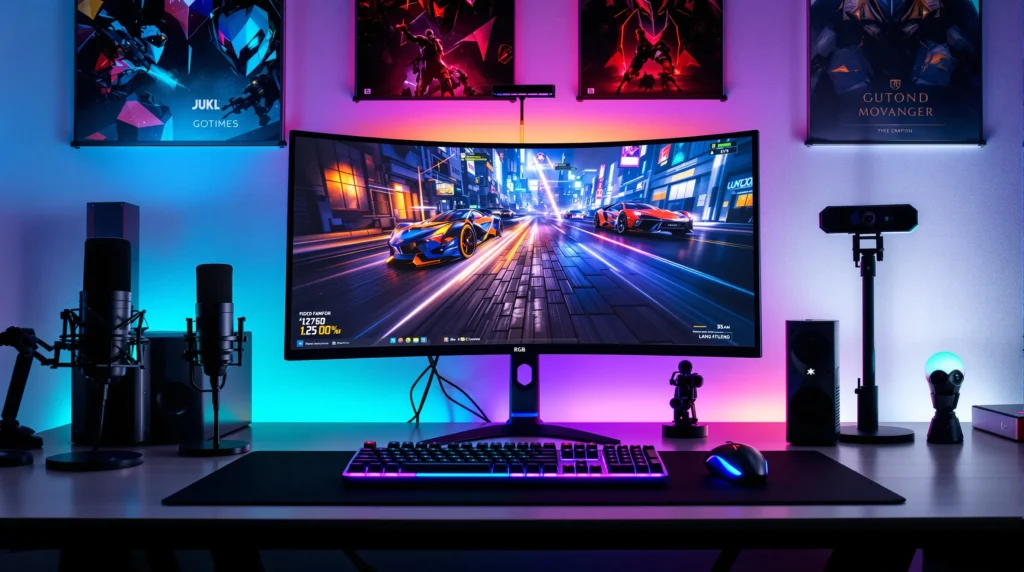
Picture this: You just pulled off a wild triple kill in your favorite game. Your heart’s pounding, your hands are shaking, and you know—this is the moment you want to save forever. But when you scramble to clip it, your software lags, or worse, misses the action. If you’ve ever lost a perfect play because your tools let you down, you know the pain. That’s why finding the best software for clipping games isn’t just about convenience—it’s about capturing your proudest moments before they slip away.
Why Clipping Games Matters More Than Ever
Gaming isn’t just a hobby anymore. It’s a way to connect, compete, and even build a following. Whether you’re sharing highlights with friends or building a YouTube channel, the right clipping software can make or break your content. The best software for clipping games lets you save, edit, and share your best plays without missing a beat. But with so many options, how do you pick the right one?
What Makes the Best Software for Clipping Games?
Let’s break it down. The best software for clipping games should be fast, reliable, and easy to use. It should capture high-quality video without tanking your frame rate. Bonus points if it’s free or affordable. Here’s what to look for:
- Instant Replay: Can you hit a hotkey and grab the last 30 seconds?
- Performance: Does it run smoothly, even on older PCs?
- Editing Tools: Can you trim, crop, or add effects before sharing?
- Sharing Options: How easy is it to upload to Discord, YouTube, or TikTok?
- Price: Is it free, or does it break the bank?
Here’s the part nobody tells you: Sometimes, the fanciest software isn’t the best fit. If you just want quick clips for friends, you don’t need a full editing suite. But if you’re chasing viral moments, you’ll want more features.
The Best Software for Clipping Games: Top Picks
Let’s get specific. Here are the top contenders for the best software for clipping games, each with its own strengths and quirks.
NVIDIA ShadowPlay
If you have an NVIDIA graphics card, ShadowPlay is a no-brainer. It’s built into GeForce Experience, so you don’t need to install anything extra. Hit Alt+F10, and it instantly saves the last 30 seconds (or more) of gameplay. The quality is crisp, and it barely affects performance. The downside? It’s only for NVIDIA users. If you’re on AMD or Intel, you’re out of luck.
AMD Radeon ReLive
AMD fans, you’re covered too. Radeon ReLive offers similar features to ShadowPlay, including instant replay and easy sharing. It’s lightweight and works well with most modern AMD cards. The interface isn’t as slick, but it gets the job done. If you’re team red, this is your best software for clipping games.
OBS Studio
OBS Studio is the Swiss Army knife of game recording. It’s open-source, free, and works on Windows, Mac, and Linux. You can set up hotkeys to save replays, record in high quality, and even stream. The catch? It’s not as beginner-friendly. If you’re willing to tinker, OBS can do almost anything. But if you want plug-and-play, look elsewhere.
Medal.tv
Medal.tv is built for gamers who want to clip, edit, and share in seconds. It runs in the background, lets you hit a hotkey to save the last moments, and has built-in editing tools. You can add captions, trim clips, and share directly to social media. Medal.tv is free, but some features require a paid plan. It’s perfect if you want to build a highlight reel without fuss.
Xbox Game Bar
Windows 10 and 11 users get a hidden gem: Xbox Game Bar. Press Win+G, and you can record, clip, and even chat with friends. It’s simple, doesn’t need extra downloads, and works with most games. The editing tools are basic, but for quick clips, it’s hard to beat. If you’re on a budget, this might be the best software for clipping games you already have.
Who Needs the Best Software for Clipping Games?
If you’re a casual gamer who just wants to save funny moments, you don’t need fancy features. Xbox Game Bar or ShadowPlay will do the trick. But if you’re chasing followers, streaming, or making montages, you’ll want more control. OBS Studio and Medal.tv offer deeper editing and sharing options. Here’s a quick cheat sheet:
- For casual clips: Xbox Game Bar, ShadowPlay, Radeon ReLive
- For content creators: OBS Studio, Medal.tv
- For social sharing: Medal.tv, Xbox Game Bar
Here’s the truth: No software is perfect. You might need to try a few before you find your favorite. Don’t be afraid to experiment. The best software for clipping games is the one that fits your style and setup.
Tips for Capturing the Best Game Clips
Even the best software for clipping games can’t save a bad setup. Here’s how to get the most out of your clips:
- Keep hotkeys handy: Set them somewhere you won’t hit by accident, but can reach fast.
- Check your storage: Clips eat up space. Clean out old files regularly.
- Test before big moments: Make sure your software works before you jump into ranked matches or tournaments.
- Edit for impact: Trim the boring parts. Add captions or music if your software allows.
- Share smart: Post your best moments where your friends or followers hang out.
If you’ve ever lost a clip because you forgot to hit record, you’re not alone. We’ve all been there. The best software for clipping games makes it easy to save every epic moment, so you can focus on playing your best.
What Nobody Tells You About Clipping Software
Here’s the part that’s easy to miss: Even the best software for clipping games can’t fix a slow PC or bad internet. If your game lags when you record, try lowering the clip quality or closing background apps. And don’t forget to update your drivers—sometimes, that’s all it takes to fix weird bugs.
Another secret? Sometimes, less is more. You don’t need to record every second. Focus on the moments that matter. Your future self will thank you when you’re sorting through clips at 2 a.m.
Final Thoughts: Find Your Best Software for Clipping Games
The best software for clipping games isn’t about having the most features. It’s about capturing the moments that matter to you. Whether you’re a casual player or a content creator, there’s a tool that fits your needs. Try a few, see what feels right, and don’t be afraid to switch if something isn’t working. Your highlights deserve the best—and so do you.