Concept art can turn creative ideas into real projects with powerful visual elements. If you are designing a character for your game, working on a movie to generate cinematic scenes, or creating designs for your marketing products or projects, then concept art can come in handy.
We will go through several steps to show how to create concept art with artificial intelligence and explore different visual elements. Here are four creative platforms worth checking out for creating visual concept art: Krea.ai, Leonardo.ai, NightCafe, and Morphic.
Concept Art: Everything You Need to Know
Concept art is the visual representation of characters, environments, or products by writing text prompts, uploading reference images, and editing the visual elements.
Here are the simple steps for creating concept art with AI tools:
Step 1: Start With a Prompt
Come up with an idea of what you want to visualize. Ask yourself the following questions:
- What is the product or object?
- What are the colors, setting, composition, and mood of the visual content?
Based on the description, you can get more accurate results.
Step 2: Generate the images or videos
Through creative AI platforms, generate your ideas and experiment with the settings of the visual representations
Step 3: Refine the drafts
Instead of deleting and starting over, you can easily edit some parts of your design, add colors, texture, and composition, and adjust other elements.
The goal is to make the creative process smoother, faster, and easier by creating concept Art with powerful AI tools and platforms.
Top AI Platforms for Concept Art
|
Platform |
Best features |
Concept art elements |
|
Krea.ai |
Text-to-image generators, reference image generator, real-time image and video generation, product photography, fine-tuning |
Real-time edit, canvas, AI background remover, image enhancement, upscaling, 3D generator |
|
Leonardo.ai |
Sketch-to-image rendering, video and image generator, image upscaler |
3D illustrations, sketch-to-image tools, and compositions, models |
|
NightCafe |
AI tools, text-to-image generator, visual artwork |
Abstract art animation and generation, 3D anime generation, cartoon logo generation |
|
Morphic |
Text-to-image and video generator, character features and tools enhancement |
3D models, frames to videos and images, inpainting, resizing, camera motion |
#1 Krea.ai
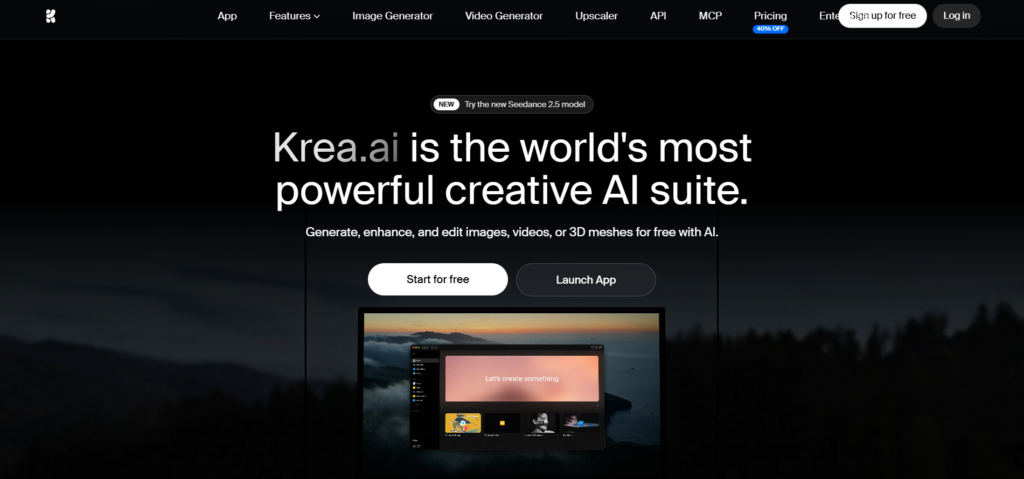
Krea.ai is a creative and powerful all-in-one AI suite with canvas and image generation capabilities. If you are looking for real-time canvas generation, then the platform is for you!
At the same time, you can render AI art, modify the image, and get the results in seconds with various AI tools, including Krea 2, Nano Banana, Kling, Realtime, and Seedance.
You can generate text-to-image and reference images on the same platform. Give details of the visual content, be it the subject, its colors, style, mood, composition, replacing the characters’ faces with one another, changing clothes, removing other details in the background.
After generating the images or videos, you can change 2D illustrations to 3D in one simple click, while also adding animated or natural-looking styles and designs.
What’s more interesting is that you can create concept art with different creative models, including real-time editing tools, cartoon, CGI, HD, Flux Realtime, and other models.
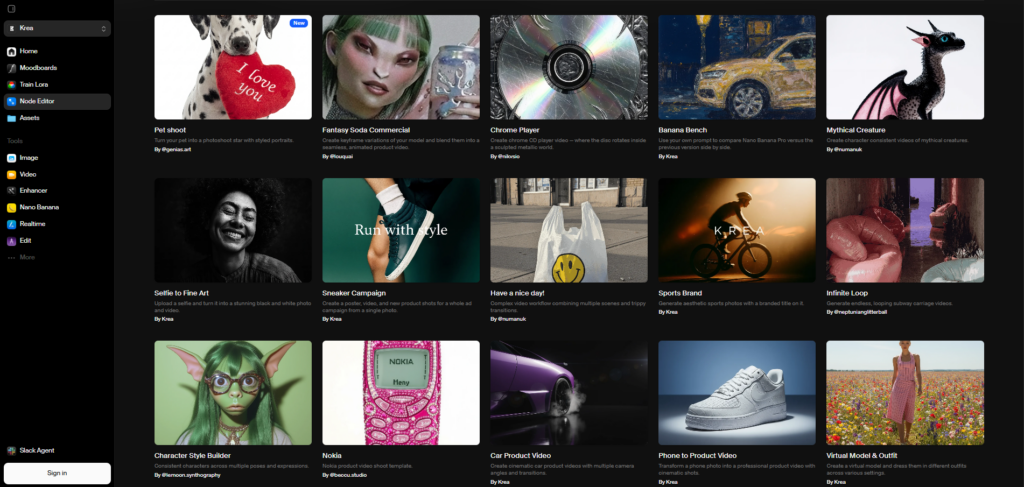
For example, you can create product campaigns, mythical creatures, cinematic car shots, visual models, outfit checks, and more.
That’s not everything. For the best experience, you can upload more than 250 images and create a moodboard based on the products’ aesthetic and mood.
Pros
- AI-generated images, videos, and other content
- Editing tools, image enhancement, 8K upscaling, 3D effects in Realtime Canvas, LLM image captioning
- Sketch drawings, write prompts, screen input, and more in one platform
- Flexible moodboard ideas and design styles
#2 Leonardo.ai
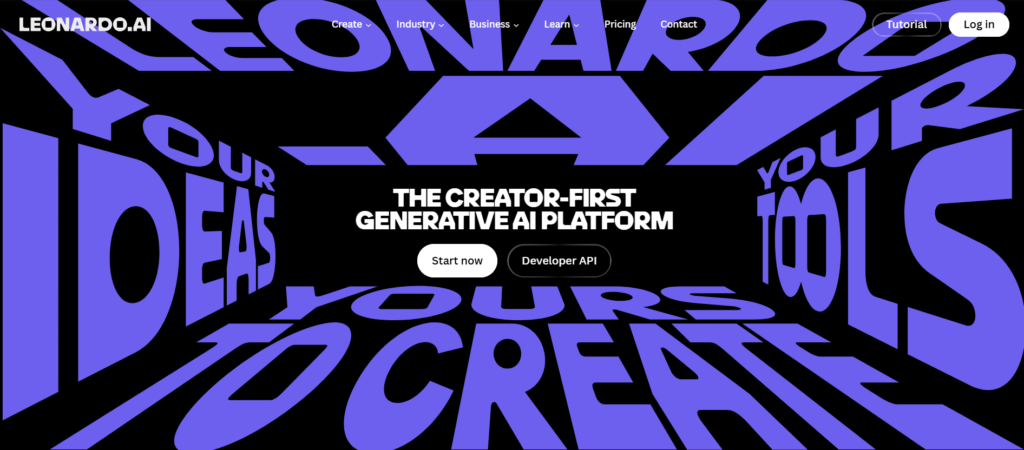
Leonardo.ai offers real-time AI-generated images and videos with editing tools and options.
If you want to generate text-to-image and image-to-image visual media, then the platform is for you. Create with models, including Lucid Origin, Phoenix, and other AI tools.
Just describe the elements you need, such as layouts, colors, angles, resizing tools, background remover, and other features, and get what you want.
In the Canvas Editor, you can build models for the gaming industry, create cinematic shots, or create materials for TV production.
Pros
- Concept art and posters
- Cinematic or realistic images and shots
- Templates and designs
- Visuals and editing tools for building characters
#3 NightCafe
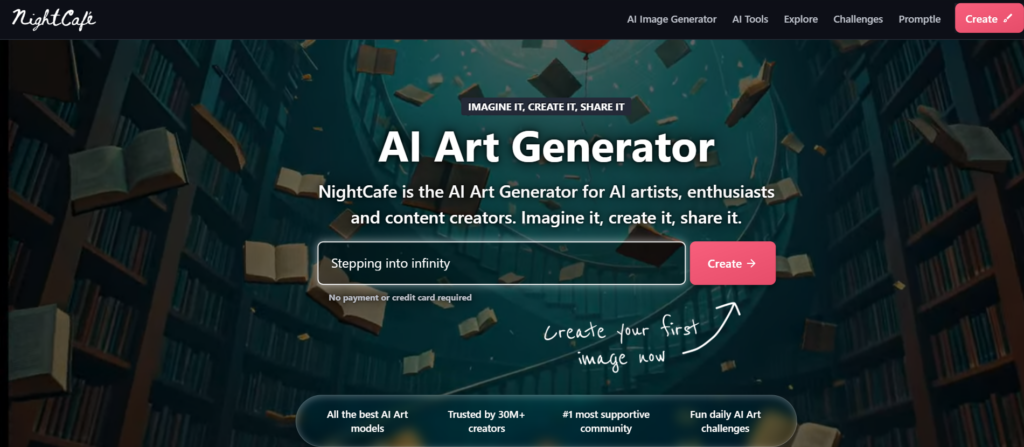
NightCafe offers digital models and AI-generated art based on the given prompts.
You can create text-to-images using different AI models, including Nano Banana, Flux, Seedance, and others.
Based on your preferences or project ideas, you can choose from the templates, styles, and editing tools. Some of the AI tools, including 3D anime generation, abstract art generation, cartoon logo generation, and other themes, are available here.
You can create concept art, marketing posters, graphics, and other materials.
Pros
- AI tools and models
- Art, images, and designs
- Editing capabilities
#4 Morphic
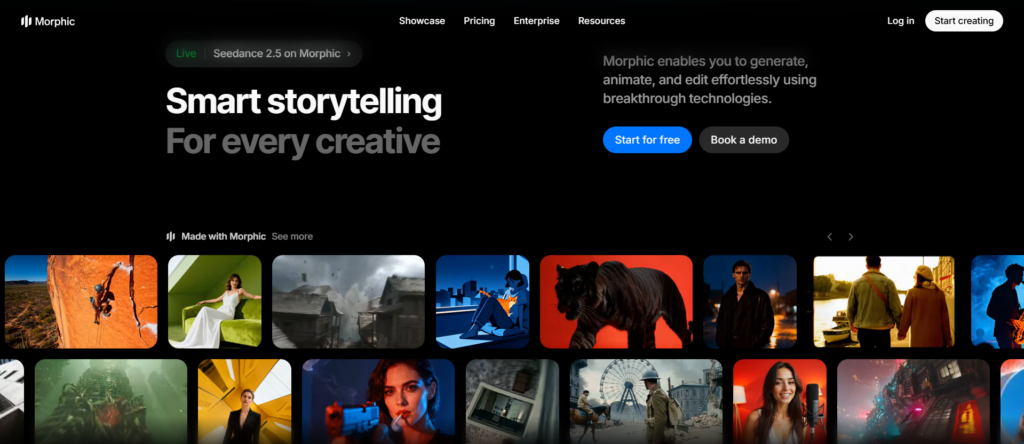
Morphic is an online platform for generating AI-generated images, animations, videos, and 3D models based on prompts.
You can create and generate different types of content, including cinematic shots and storyboards, anime, skin enhancement, UGC ads, and more.
It is easy to resize the content, add camera motion, 3D motion, and frames to visual media.
Pros
- Different AI models, 3D motion and frames for videos
- Layouts and designs for art creation
- Editing tools
Final Thoughts
No need to spend a huge budget on professionals, expensive shooting, hiring a team, or planning for months to create multiple visual concepts. AI is here to make the creative process fast, easy, and enjoyable.
For the best experience for creating concept art, it is crucial to consider several features, such as:
- Available AI models
- Flexible and creative editing tools
- Fast composition and real-time production
If you want to combine all the elements in one platform, without surfing different websites and feeling overwhelmed, then Krea can be a creative concept art solution. Just come up with your own ideas and create on the platform.